
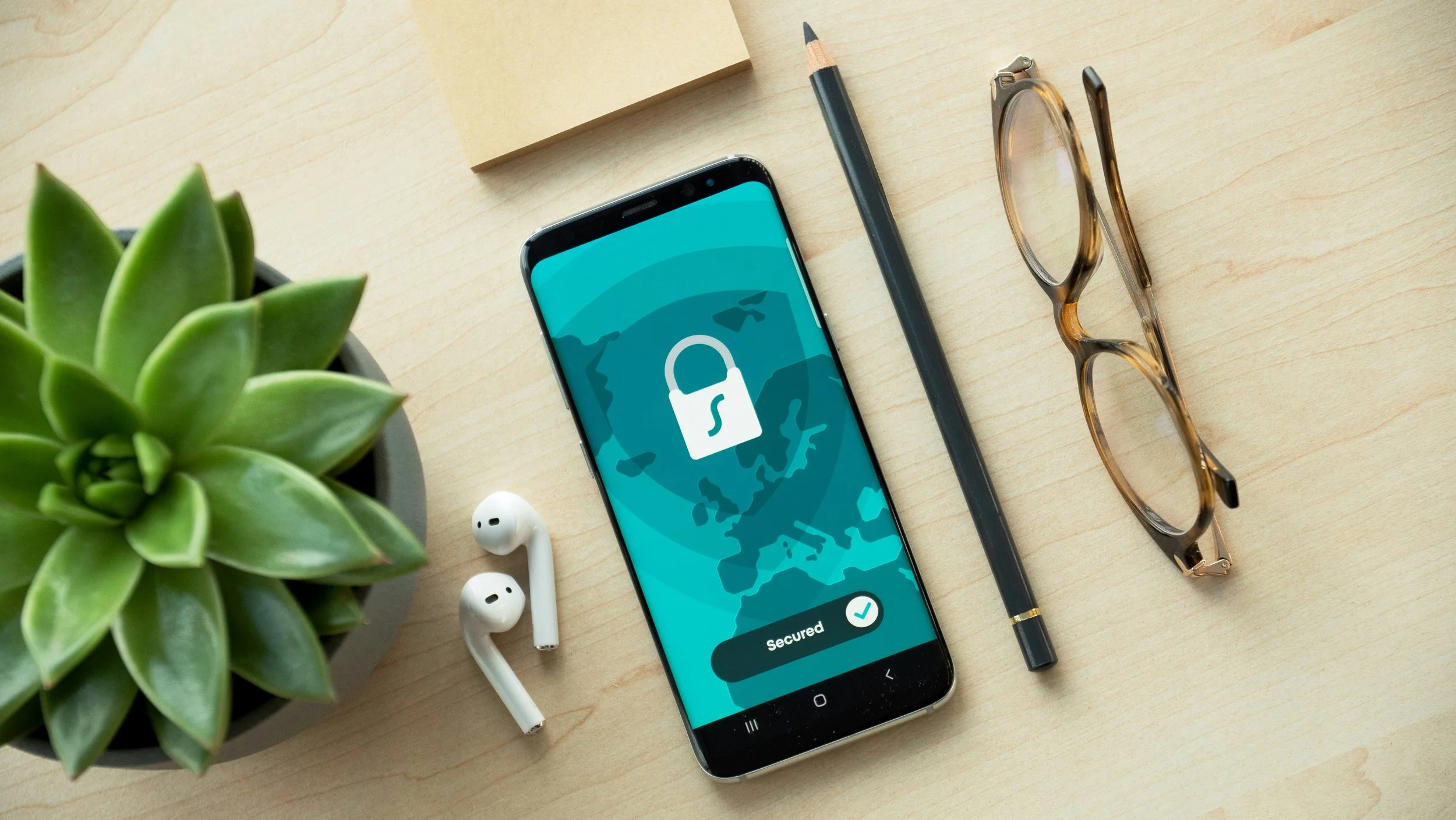
If you’re using the internet, then it’s worth understanding the basic theory behind encryption, and the practical ways that it can be used to protect you while you’re browsing. This applies especially if you’re often using the internet while travelling, perhaps with the help of an unfamiliar hotel wi-fi network.
The Risks of Traveling Without Encryption
To begin with, we should look at the dangers of unsecured public wi-fi. An attacker might first trick you into connecting to a hotspot that they have connected, by simply presenting you with an SSID that looks convincing. Check the name of the real network if you don’t want to fall victim to an ‘evil twin’.
Another approach might be to steal a session’s ‘token’, and thereby intercept the data being sent. This is something that can be done fairly easily by a competent hacker.
How VPNs Shield Your Data on the Road
So, what can be done about this?
To begin with, a Virtual Private Network might seem an obvious option. It’s a means of creating an encrypted tunnel between your machine and a remote server, somewhere in the world.
This means that anyone trying to intercept packets on the local network will find it impossible to unscramble them. For this reason, a VPN is a great means of ensuring privacy when interacting with sensitive accounts and services. What is a proxy vs VPN? It’s worth doing a little bit of research before you decide what services to invest in.
Smarter Network Choices: Hotspots, HTTPS & Device Hygiene
A personal hotspot, perhaps generated using your phone, will almost always be preferable to public wi-fi from a security perspective. This way, you’ll be able to ensure that the network you’re connecting to is valid, and to control every aspect of that network.
Basic device hygiene is worthwhile, too. Make sure that you’re connecting only to websites that use HTTPS (which is indicated by the padlock in the URL bar).
Preparing Devices Before Departure
You might also back up all essential files before you travel, and encrypt your storage drives. Enable multi-factor authentication on essential services, and make sure that your devices aren’t set to auto-join any network. Keeping the software you use up to date, and turning on any remote tracking and remote wipe features, will help you to limit the damage caused by theft. You might also install a polarizing filter for your laptop screen, to reduce the opportunity for ‘shoulder surfing’.